


Need help with your Mobeye product? MobeyeStore Product Support offers everything you need, including user manuals, documentation, video tutorials, and helpful tips to get the most out of your Mobeye devices.
Mobeye Portal, App & Mobeye SIM Card
A Mobeye alarm device monitors technical installations, valuable assets and remote locations; keeping you informed when it matters most. To support this, Mobeye offers a fully integrated connectivity and monitoring solution built around three core services.
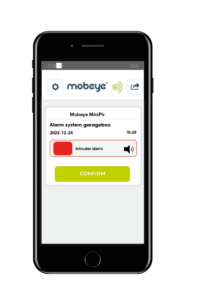
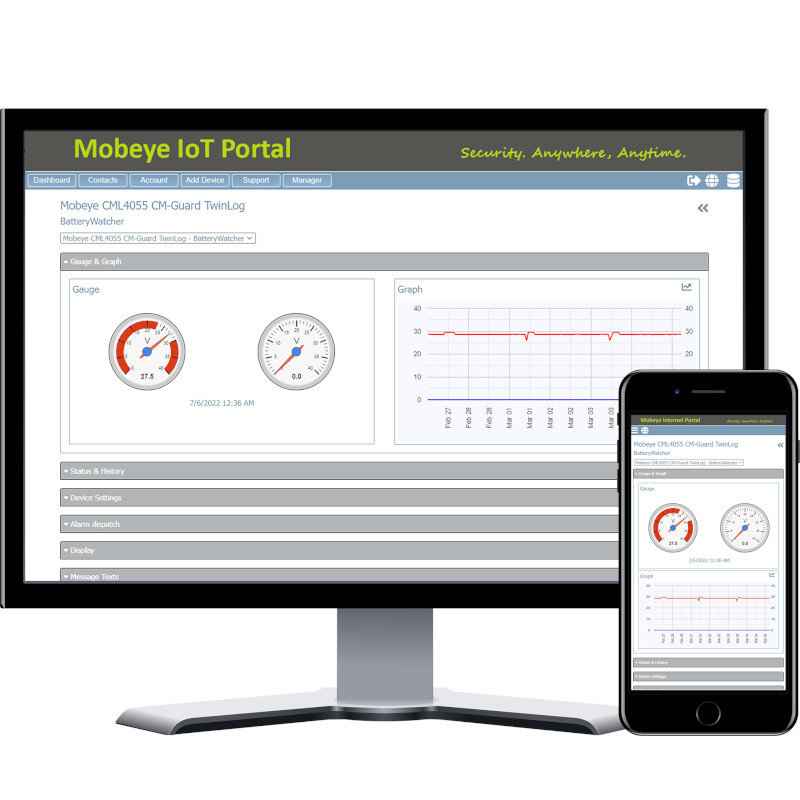
The Mobeye SIM Card keeps your device connected at all times. The Mobeye Portal gives you a central place to manage devices, check status and review alarm events. The Mobeye Messages App delivers alarm notifications straight to your phone, so you and your team can respond without delay.
All three are purpose-built for Mobeye devices, combining reliable connectivity, clear device management and direct alarm notifications at competitive operating costs.
Read more about the Mobeye Portal, Mobeye SIM Card and Mobeye Messages App via the buttons below.
Popular How-to Videos
Looking for clear guidance on using your Mobeye product? Our user manuals provide step-by-step instructions to help you every step of the way. For visual learners, check out our video tutorials available below for an easy-to-follow walkthrough.
View all support videos on our YouTube channel
Frequently Asked Questions
Visit the FAQ page via the button below.
Installation Guides
We have created installation guides for the following applications:
Technical Documentation
The technical documentation and user manuals for our current products are available on their respective product pages under the “Downloads” tab. Find your product by browsing the navigation menu or using the search bar below.
To view and print PDF documents, you will need the free Acrobat Reader or an alternative PDF reader.
You can find a complete overview of datasheets and user manuals on our company website.
Haven’t found what you’re looking for?
If you’re unable to find the answer to your support question, kindly send a message to our support team.