



Description
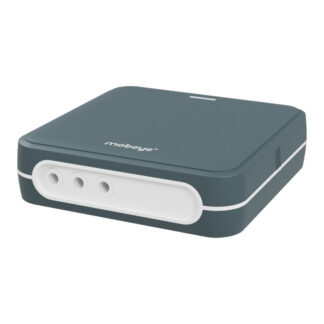
Mobeye PowerGuard CM4100 Power Failure Detector
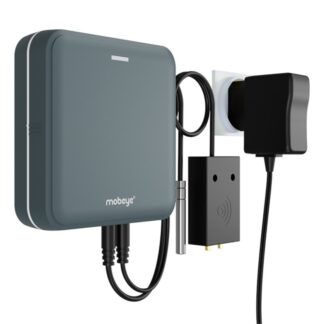
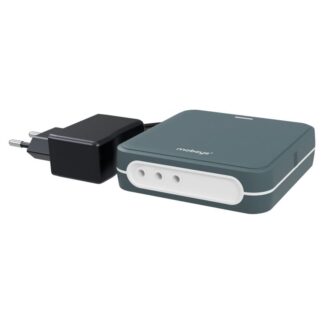
The Mobeye PowerGuard CM4100 is a power-outage monitor and fault detector for applications where a reliable power supply is essential. It provides power cut alerts when a mains failure is detected, notifying selected contacts by call, SMS or email. The power source is monitored simply by plugging the power adapter into a power outlet. Additional sensors and contacts can be connected to the alarm inputs. The built-in 4G communication module allows you to monitor power failures remotely from your phone. Compact and easy to install, the CM4100 provides a straightforward way to detect power failures and respond quickly.
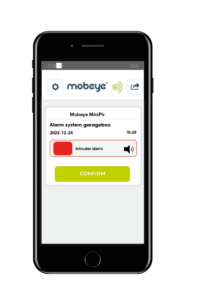
In the event of an alarm, the Mobeye CM4100 sends notifications via the free Mobeye Messages App (available for both iOS and Android), telephone calls with voice message, text messages and/or emails. Your contact persons can be added, with different options for the method of receiving alarms. Additionally, it is possible to report alarms to a control room or an alarm receiving centre (ARC).
The Mobeye PowerGuard monitors the mains power or a 12-24V DC power source. In the event of an outage, it utilises the batteries to send the notifications and continuously monitor the inputs. After power is restored, the contacts receive a recovery notification.
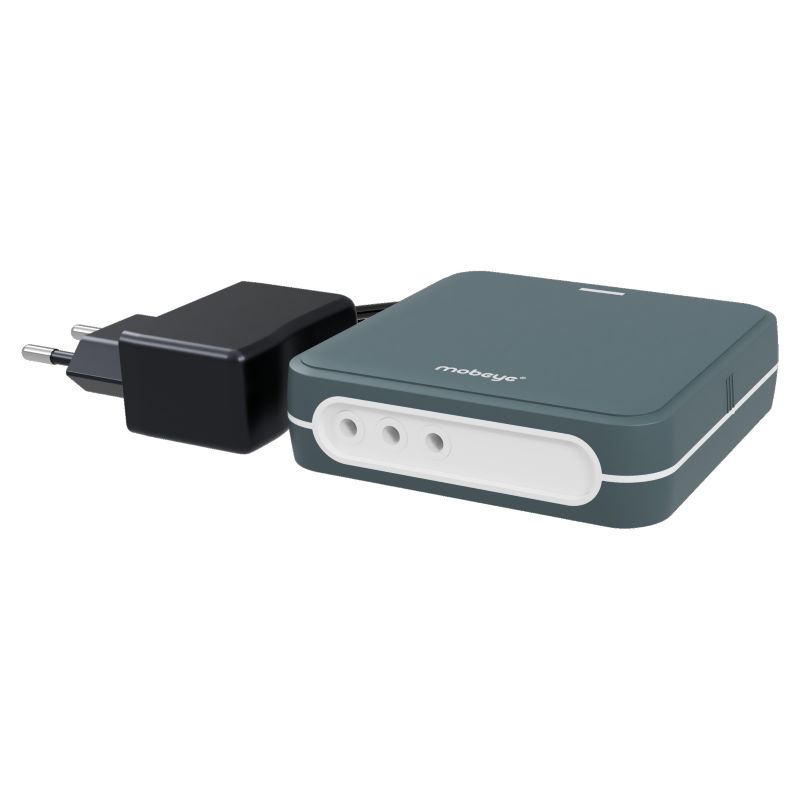
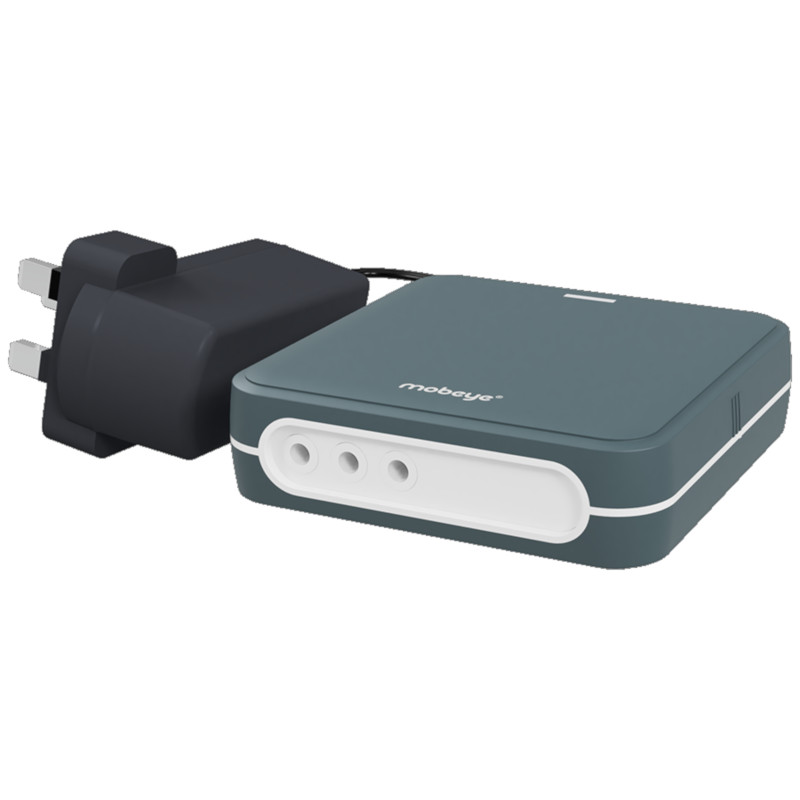
The Mobeye PowerGuard is available in three versions: with an EU power plug (Type C), UK power plug (Type G) or USA/Canada power plug (Type A).
Installation is a straightforward process that can be completed in a few easy steps. You can either place the PowerGuard unit freestanding or use the mounting holes to hang it on a wall.
Key features of the Mobeye PowerGuard CM4100
- 4G connectivity with 2G fallback
- Detects power failures instantly and alerts you by app, call, SMS, or email
- Battery backup (2x CR123) keeps it running during an outage (3+ year life)
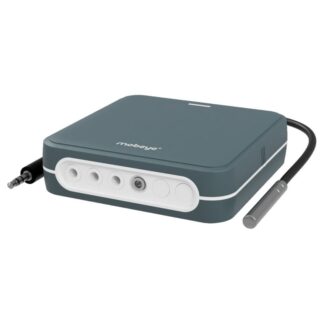
- 2 extra alarm inputs to connect sensors or monitor equipment
- Unlimited alert contacts (with Mobeye SIM)
- Recovery alert sent when power comes back
- Compact & easy to install, freestanding or wall-mounted (94 × 94 × 28 mm)
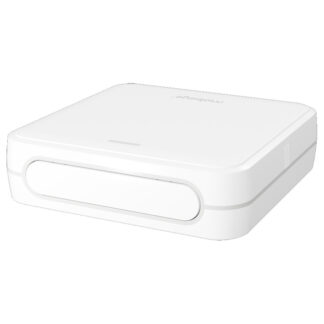
- Optional outdoor enclosure (IP66)
- Available with EU, UK or US/Canada plug
Mobeye PowerGuard, a powerful monitoring device
The Mobeye CM4100 offers various configuration options, including automatic switch-on and switch-off times, alarm texts for each input, alarm delays, recovery messages, repeat notifications, and test messages. Batteries and a country-specific mains adapter are included.
What sets the Mobeye PowerGuard apart is its versatility. In addition to monitoring power failures, it has two alarm inputs for connecting and monitoring external devices or sensors. This allows you to monitor the operation of machinery, detect other faults, and collect additional data. The device can also connect an existing alarm system to an Alarm Receiving Centre (ARC) via IP.
Even when power failure monitoring is not the main requirement, the Mobeye PowerGuard remains a versatile monitoring device. Its two alarm inputs can be configured as either normally open or normally closed, allowing a wide range of external devices and sensors to be connected. If power monitoring is not required, the Mobeye CM-Guard may be a suitable alternative. The PowerGuard, however, has the added advantage of including the mains adapter.
How the Mobeye CM4100 Works
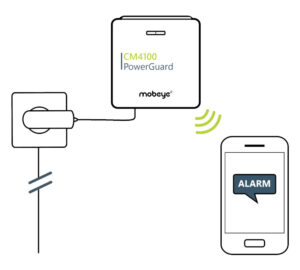 The Mobeye CM4100 serves as a remote power failure alarm, continuously monitoring the availability of external power and the status of connected fault contacts. The alarm dialler promptly sends notifications whenever there is a change in status, ensuring that you are always well-informed.
- Begin by plugging the mains adapter into a wall socket, and, if desired, connect a potential-free sensor to one of the inputs.
- The PowerGuard recognises power failure and an input alarm.
- In the event of an alarm, the PowerGuard promptly sends alarm messages to the designated contacts. There is no limit to the number of contacts you can add.
When it comes to push messages, you have the option to choose between an escalation plan or a group message.
With the escalation plan, the recipient has the option to confirm the push message, preventing other contacts from receiving the same message. If none of the recipients confirm the push message, a phone call is initiated. - The Mobeye Portal provides you with valuable insight into the status and history of the system.
Typical applications for the Mobeye PowerGuard CM4100
The Mobeye PowerGuard CM4100 is specifically designed to alert you in the event of a power outage. Various factors can lead to power failures. In situations where power availability is critical, receiving a power failure alarm can help you avoid significant issues. While it’s nearly impossible to list all potential applications in the field, consider the impact of an unexpected loss of power in your own circumstances.
Typical applications are monitoring devices, such as
- air conditioners
- fridges
- freezers
- heaters
- ICT servers
- water pumps, from industrial pumping systems to aquarium pumps.
Use Case Examples
- Airports and industrial facilities connect the CM4100 to critical infrastructure to receive immediate alerts when mains power fails.
- ICT companies and data centres use it to monitor server rooms and network equipment, where any power outage can cause significant downtime.
- Security professionals rely on the CM4100 because copper theft frequently starts with cutting mains power – an early alert can make all the difference.
- Banks and ATM operators deploy it to receive instant notification the moment an ATM power supply fails.
- Any location where mains power is critical – from remote pump stations to access control systems – benefits from continuous power failure monitoring.
✅ Using the included Mobeye SIM card? This is what most customers choose. You get full access to the Mobeye Portal and app, 4G connectivity with 2G fallback, unlimited contacts, push notifications with escalation plan, and remote programming. Subscription rates at mobeye.com/en/sim-portal.
⚠️ Using your own SIM card? If you use your own SIM card, the features of the Mobeye Portal and Mobeye App will no longer be available. Alarm notifications will instead be sent via text message and/or phone call to a maximum of 5 phone numbers. Please note that not all mobile network operators support the call function, some additional security features will be unavailable, and Mobeye will be unable to provide the full range of support options. For full functionality, use the included Mobeye SIM card.
Reviews
Be the first to review this product